Settings
Configuring your ImHex experience
The Settings page can be accessed through the Main Menu by choosing Extras -> Settings. It contains multiple tabs with settings for various parts of ImHex.
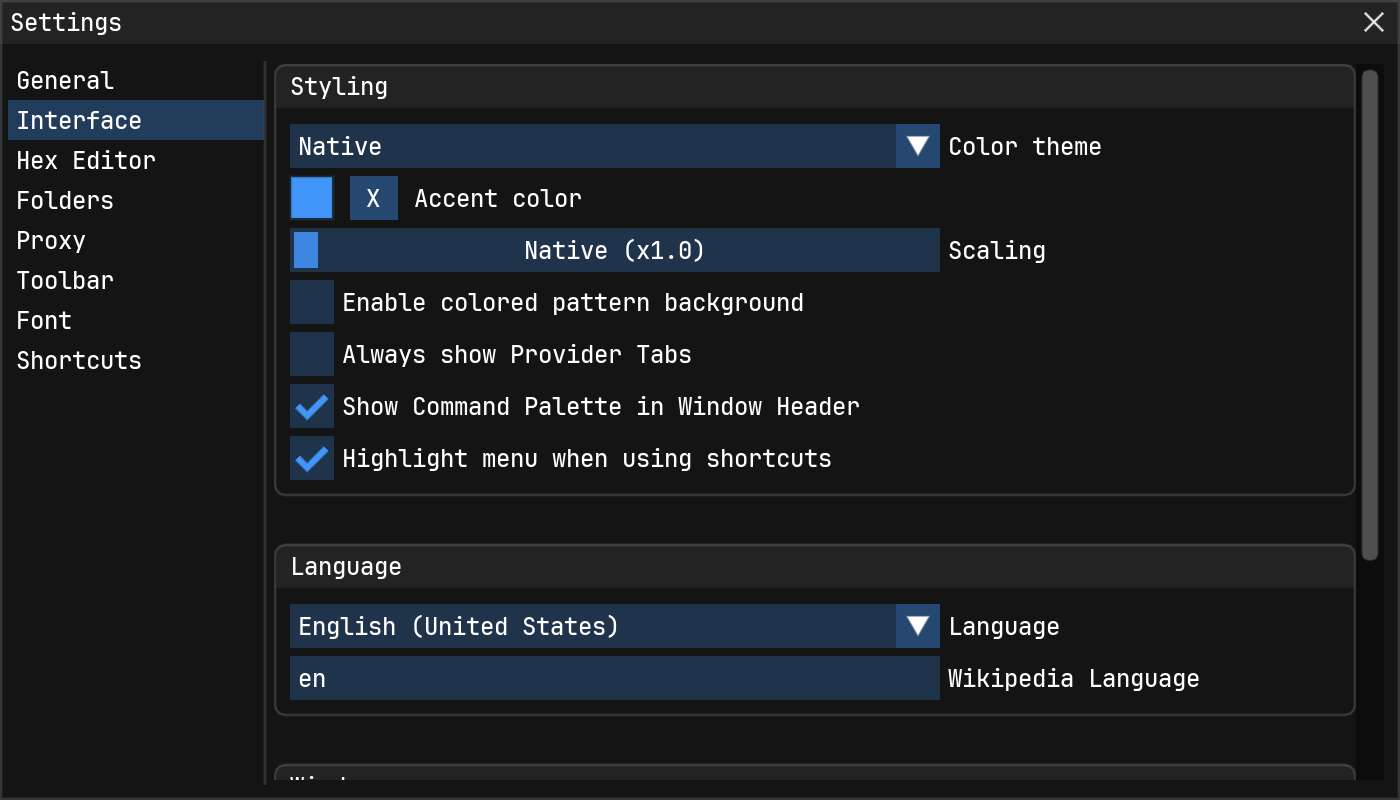
Categories
General: Various settings that didn't fit anywhere elseInterface: Settings that adjust how ImHex looks including Themes, Language settings and moreHex Editor: Settings that mainly effect the hex editor windowFont: Option to load a System Font or a font from a ttf file.Folders: Specify new folders from where ImHex loads its resources such as patterns, libraries, themes and moreProxy: Option to use SOCK5 and HTTP proxiesToolbar: Option to change and reorder the toolbar icons and add more menu options to itShortcuts: All the shortcuts ImHex has with the ability to override them